
Features
What you can do with Only Three
Every feature below is in the app today, shown in a real screenshot. Daily planning with no time limit.
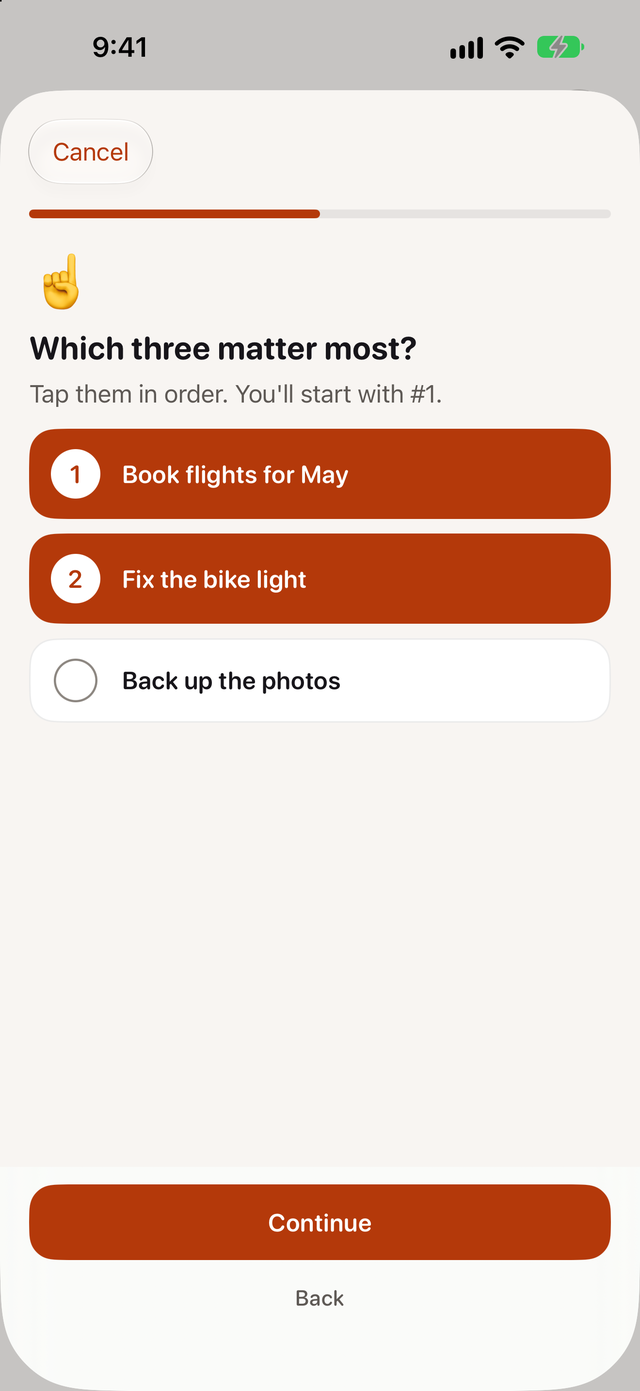
Choose the three that matter most
Each morning, write down what's on your mind and tap three things in the order you'll do them. Anything you don't pick goes to Later, and tomorrow's pick offers it again.
For iPhone. Works with iOS 26 or later.
Get a first step you can start now
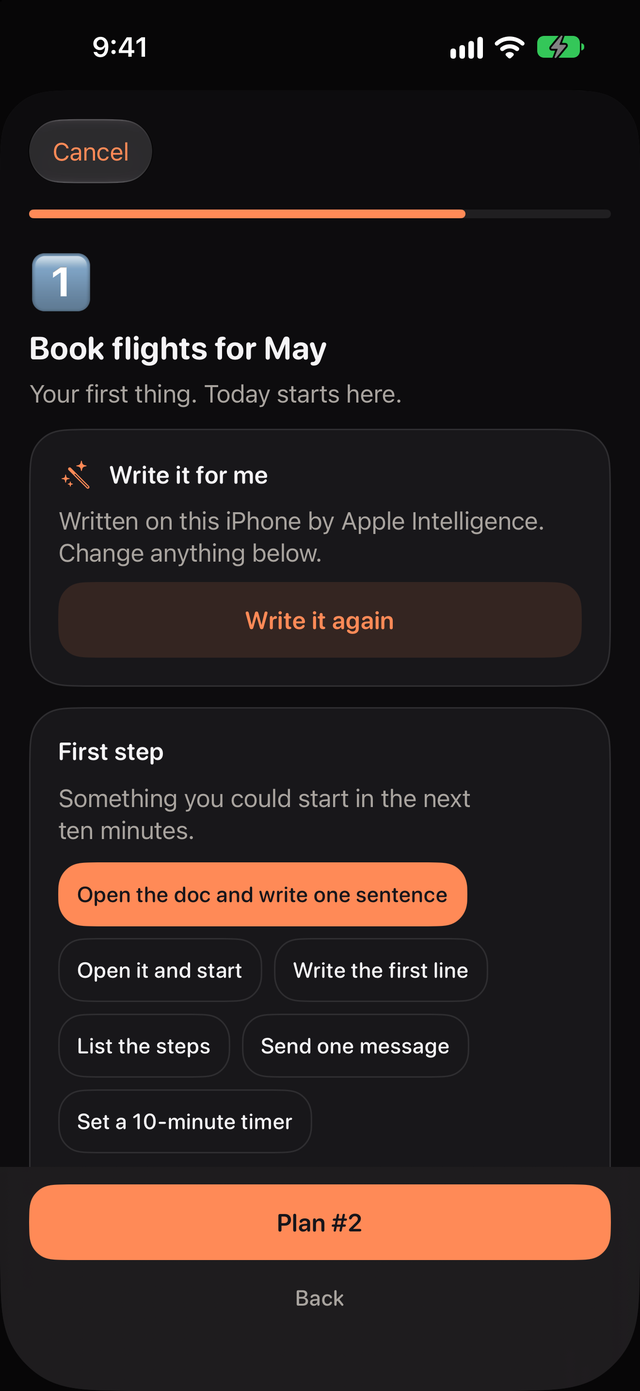
Every pick gets a first step you could start in the next ten minutes, a rough time and a backup for what might get in the way. Write plans by hand for free.
- With Pro, Apple Intelligence can write the plan on your iPhone
- Written plans need an iPhone with Apple Intelligence turned on
For iPhone. Works with iOS 26 or later.
Keep the next thing in front of you
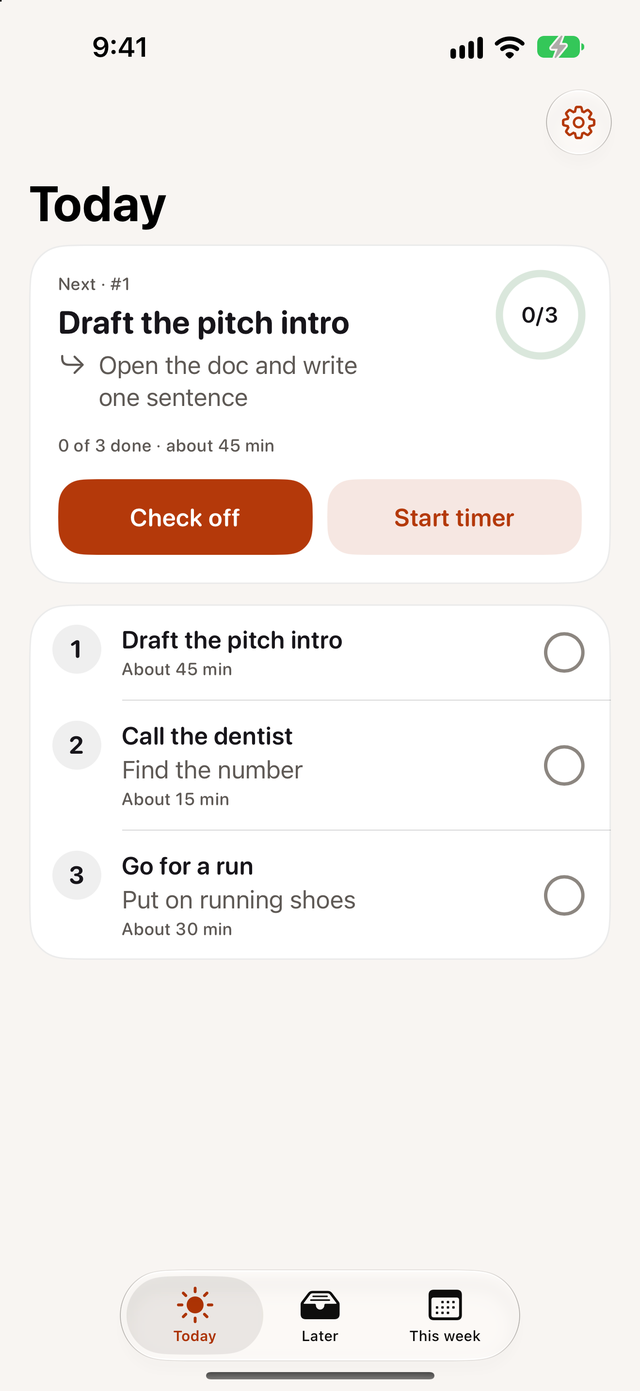
Today puts the next thing at the top with its first step. Check it off and the next one moves up.
- Widgets show the next thing on your Home Screen and Lock Screen
- Check things off from the Home Screen widget without opening the app
- Pro adds a focus timer, shown on the Lock Screen when Live Activities are on
For iPhone. Works with iOS 26 or later.
Close the day in a few taps
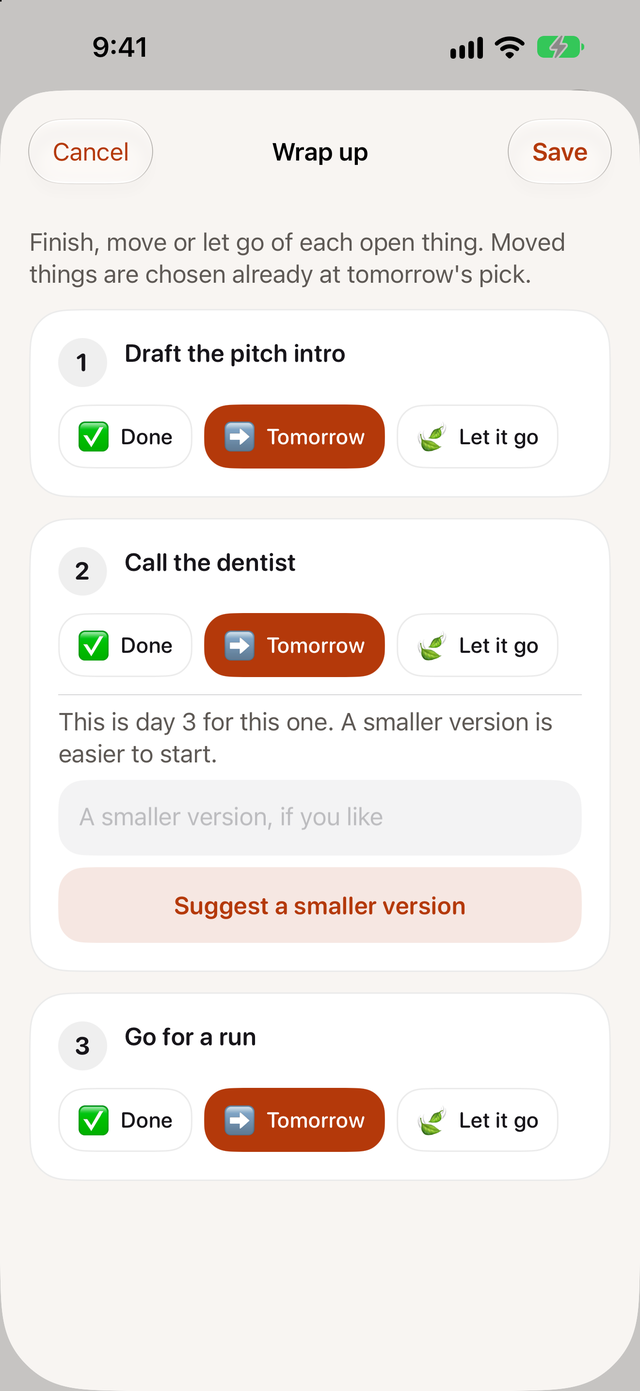
At the time you choose, mark each open thing done, move it to tomorrow or let it go. When something reaches its third day, you can turn it into a smaller version that's easier to start.
- Pro can suggest the smaller version for you
For iPhone. Works with iOS 26 or later.
See which days went to plan
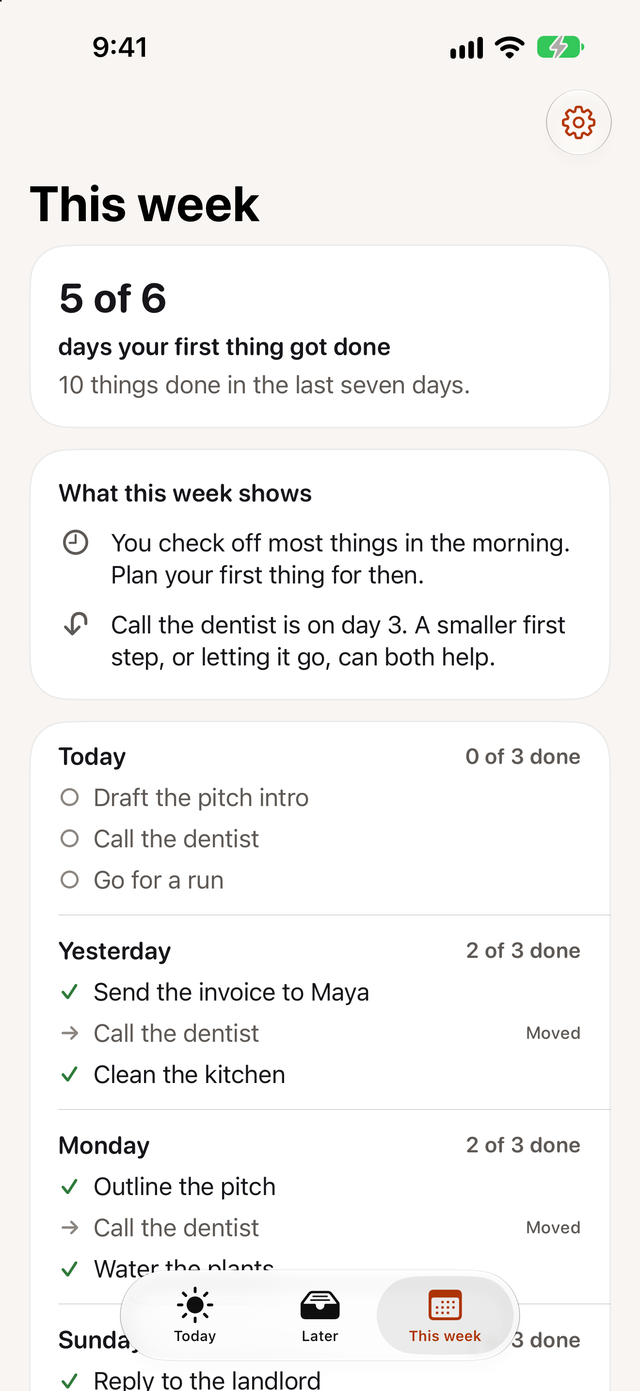
This week counts the days your first thing got done and lists everything you finished in the last seven days.
- Pro adds insights, such as the time of day you check most things off
For iPhone. Works with iOS 26 or later.
Let the rest wait on Later
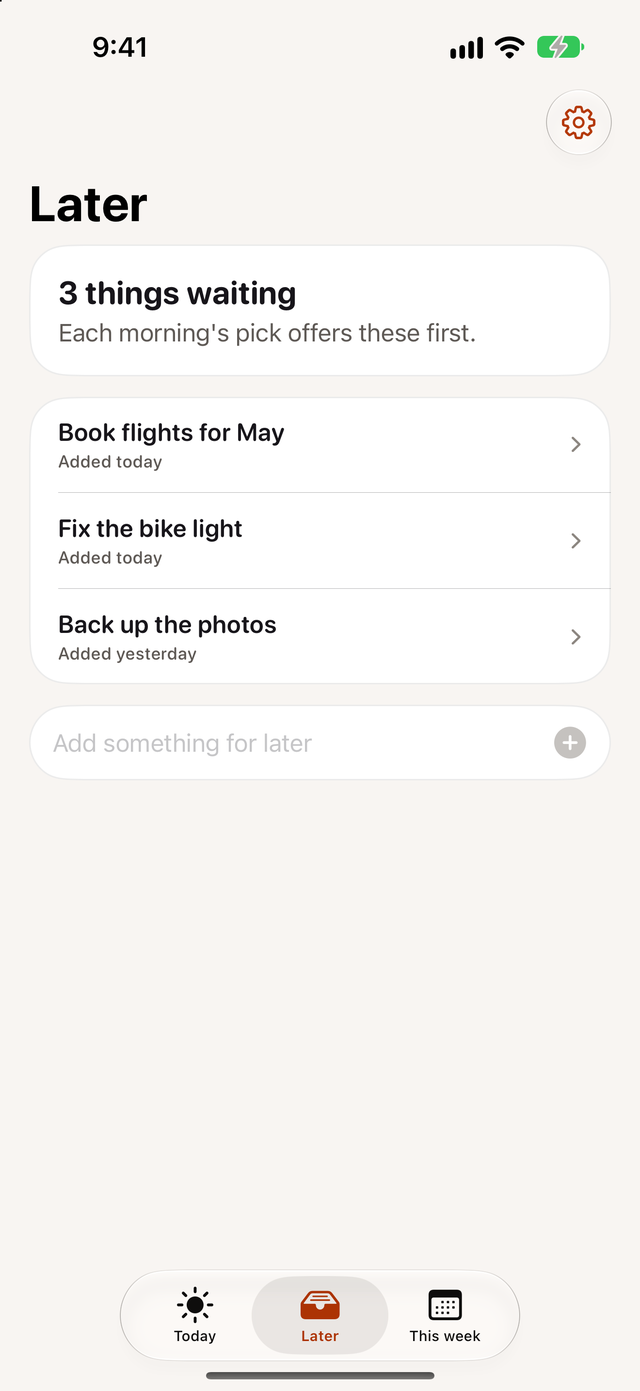
Everything you didn't pick stays on Later with the day you added it. Each morning's pick offers those things first.
For iPhone. Works with iOS 26 or later.
Only Three is coming soon to iPhone.
Daily planning is free with no time limit. Only Three Pro adds written plans, a focus timer and insights if you want them.
Coming to the App Store
Daily planning with no time limit.
For iPhone. Works with iOS 26 or later.